Smart Noter - AI Note Taker
- 4.5
- Rating
- 5.00M
- Installs
- Free
- Price
 Analysis by App-foxy
I regularly leave meetings, interviews, lectures, or quick voice memos with the same problem: the useful idea is there, but finding it later takes almost as long as creating it. Smart Noter - AI Note Taker is built around reducing that delay. It turns spoken material into written notes, then helps shape those notes into summaries and next actions. After using it as a productivity app, I found its main value less about replacing careful note-taking and more about giving me a workable first draft before the details disappear.
That distinction matters. This is not a magic button that understands every conversation perfectly. It is a practical bridge between audio and organized text. When the recording is clear and the subject is reasonably focused, it can save a lot of typing and make a rough voice memo much easier to revisit. When the audio is messy, speakers interrupt one another, or the discussion depends on subtle context, I still need to check the result rather than trust it blindly.
Developed by Deep Flow Apps, the app sits in the productivity category and is free to install. Its store summary focuses on audio transcription, generated notes, AI summaries, and next actions, which matches the way I approached it: capture first, organize second, decide what deserves attention third. It is rated 4.4 on average from around 65 thousand ratings, and its reach has passed five million installs, so it is clearly not a niche experiment.
You May Also Like

 Blood Strike: 2.5 Anniversary
Blood Strike’s Loadouts Turn Every Drop Into a Tactical Gamble
A close look at Blood Strike’s custom loadouts: how fast access to signature weapons reshapes its battle royale rhythm, rewards preparation, and narrows the gap between fights.

 Pandora - Music & Podcasts
Pandora’s Music Is Easy to Start, but Harder to Recover
Pandora’s strength is its low-effort path from a seed to a station. Its weak spot is how much confidence it asks you to place in connection, setup, and quiet recovery.

 8 Ball Pool
 Is Built on Rivalries, Rematches, and Routine
A close look at the rivalries, rematches, shared routines, and unanswered safety questions that turn a quick pool match into a persistent mobile community.

 Samsung Music
’s Quiet Strength Is Playing What You Already Own
Its reach comes less from spectacle than from dependable access to a personal library. That simplicity is both the app’s strongest retention engine and its ceiling.

 AccuWeather: Weather Radar
AccuWeather Review: A Quick, Clear Forecast for Everyday Decisions
For everyday plans, the best forecast is the one you can understand quickly. AccuWeather makes rain timing, radar, and local conditions easy to act on, with a few trade-offs.

 Hill Climb Racing
Why Hill Climb Racing Still Turns Crashes Into One More Run
A tiny car, a bumpy hill and one more upgrade: Hill Climb Racing keeps resurfacing because its simple chaos makes every near-miss feel personal.
More From Our News Desk



Turning spoken information into something I can use
I find the trust question starts before transcription: a recording can contain more than the point I want to remember, so I decide what belongs in it before I press record. That simple boundary helps me use the app deliberately rather than treating every conversation as material to process. Next, I look at the choices a user can actually make and how those choices shape a sensible workflow.
The recurring problem is not recording; it is retrieval
Most phones already make recording easy. The harder part begins afterward. A long recording forces me to scrub through audio, remember where a particular point was mentioned, and separate decisions from background discussion. Manual transcription is slow, while typing during a conversation often means missing the next important sentence.
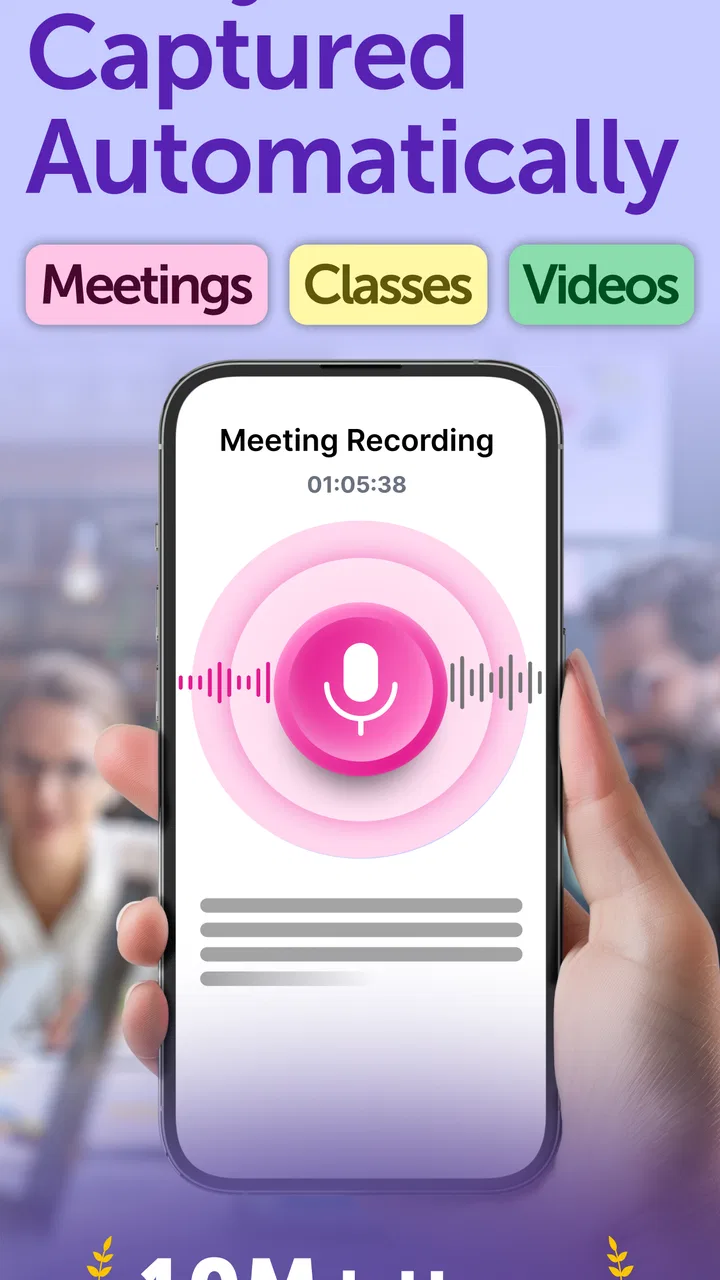
This app tackles that gap by letting the audio become the starting material for written notes. In practice, that changes the workflow from “record now and deal with it someday” to “record, generate a usable draft, then refine the parts that matter.” That is a meaningful improvement for anyone who collects ideas while walking, attends recurring meetings, or needs to revisit spoken explanations.
I especially liked the separation between a transcript and a more digestible note. A transcript preserves the source in a fairly direct form, while a summary is easier to scan when I only need the main thread. The next-action angle is useful when a conversation contains tasks, decisions, or follow-ups, because it encourages me to move from passive reference material toward something I can actually act on.
Still, the app should be treated as an assistant rather than an official record. Names, technical terms, numbers, and short phrases can be vulnerable to recognition mistakes. If a note affects a deadline, a purchase, a client commitment, or a study answer, I would compare it with the original audio before relying on it.
My first useful setup
The initial setup is most effective when I decide in advance what each recording is supposed to become. For a meeting, I want decisions and assigned tasks. For a lecture, I want concepts and a compact review sheet. For a personal idea, I want a clean outline rather than a formal transcript. Giving myself that goal makes the generated result easier to judge.
I also found it better to record in a quiet, stable environment whenever possible. Holding the phone close enough to capture the main speaker, avoiding unnecessary background noise, and starting a fresh recording for a new subject all improve the usefulness of the final note. These are simple habits, but they matter more than endlessly editing the output afterward.
A practical routine is to create the recording, let the app produce the written version, scan for obvious recognition errors, and then read the summary separately from the transcript. I use the transcript to verify details and the summary to regain the overall structure. Finally, I check the suggested actions against what was actually agreed. This takes less effort than writing everything from scratch while still keeping me responsible for the final result.
On Android, the app supports devices running version 7.0 or later, which makes it accessible to many older phones as well as current models. The current version is 2.3.1. I would still keep the operating system and app updated where possible, particularly for a tool that handles recordings and depends on speech processing, because compatibility and processing behavior can change over time.
Where it fits into a normal day
Imagine leaving a weekly project meeting with a forty-minute recording and only a vague memory of what was decided. Instead of replaying the whole discussion, I can use the written output to locate the relevant section, read the condensed version, and identify the follow-up items. I would then verify names, dates, and responsibilities against the audio before sending anything to the team. The time saving comes from reducing the amount of searching, not from eliminating judgment.
For students, the app can be useful after a class when the goal is review rather than perfect publication. A spoken explanation may become a rough study document that highlights the topics worth revisiting. I would not use the generated summary as the only source for an exam, especially where formulas, definitions, or specialist vocabulary are involved. Its better role is as a map of the lesson that helps me decide where to spend study time.
For interviews, the transcript can make it easier to find a memorable answer or compare themes across a conversation. This is where careful checking becomes particularly important. A small transcription error can change the meaning of a quote, so I would always return to the recording before publishing or sharing someone’s exact words.
Voice-note users may get the most immediate benefit. I often think more clearly while speaking than while staring at a blank page. Recording an idea and then turning it into a note removes the pressure to organize every sentence in real time. The resulting draft may still need trimming, but it gives me something concrete to edit instead of asking me to reconstruct the thought later.
It can also help with personal planning. I can speak through a complicated errand list or a set of priorities, then use the resulting note to separate actions from background thoughts. The important habit is to review the generated actions soon afterward. If I leave them buried inside a large collection of notes, the app has only moved the clutter from audio into text.
What friction it removes, and what it does not
The biggest friction removed is manual transcription. Typing every sentence from a recording is tedious, and even selective note-taking can become a distraction during a conversation. By producing a written starting point, Smart Noter lets me spend more time deciding what matters and less time copying words.
The second improvement is compression. A long spoken exchange is difficult to scan, while a summary can give me a quick orientation before I decide whether the full transcript deserves attention. This is especially useful when I return to several recordings at once and need to prioritize the one that contains an urgent decision.
The next-action approach adds another layer of usefulness. Many note-taking tools stop at storage: they preserve information but do not help me turn it into a task. Here, the suggested actions can act as a prompt to ask, “What should happen next?” I still check whether the action is genuinely supported by the conversation, but the prompt itself reduces the chance that a commitment disappears in a paragraph of text.
There is also a trade-off compared with writing notes manually. Handwritten or typed notes force me to interpret information while I capture it, which can improve memory and keep the record focused. Automatic transcription captures more detail, but that detail can create a larger cleanup job. I would choose this app when preserving the conversation matters or when I cannot take notes comfortably, not when I already know that a short, carefully edited outline is all I need.
Compared with a basic voice recorder, this app offers a more useful path after recording because the audio can become searchable, readable material rather than remaining a file I may never open. Compared with a traditional notes app, it is better suited to spoken input and post-recording organization. Compared with a fully manual workflow, it is faster at producing a first draft but less dependable for exact wording and nuanced interpretation.
Small workflow choices that make a large difference
One useful approach is to record in sections instead of making one enormous file for an entire day. A separate recording for each meeting, topic, or idea makes the resulting notes easier to understand and reduces the chance that unrelated material gets blended into one summary. It also makes later review more purposeful: I know what I am opening before I start reading.
Another good habit is to speak signposts aloud. Phrases such as “the decision is,” “the open question is,” or “the next step is” give the transcript clearer structure and make it easier for the summarization process to distinguish important information from casual discussion. I would not treat this as a rigid command system, but deliberate wording can improve the quality of the material the app has to interpret.
I also recommend keeping the original audio until the note has been checked. The generated text is convenient, but the recording is the reference point when a sentence looks strange or a summary seems too confident. This is particularly important for short recordings, where one misunderstood word can distort the entire meaning.
A further trade-off involves privacy and sensitivity. Before recording a meeting, interview, or private conversation, I would make sure everyone involved is comfortable with it and that the use fits the situation. The app’s productivity benefits do not remove the need for ordinary consent and discretion. For highly confidential material, I would choose a workflow only after considering whether an AI-based transcription tool is appropriate for that content.
Who should use it, and who should skip it
I think Smart Noter is a strong fit for people who frequently speak ideas aloud, need a first draft from meetings or classes, or struggle to revisit recordings. It is also useful for anyone who wants a quick summary before committing time to a full transcript. The free entry point makes it easy to test whether the audio-to-note workflow fits personal habits before paying for more extensive use.
The app is marked for everyone, which suits its broad productivity purpose, but that does not mean every user will find it equally valuable. Someone who already takes concise manual notes and rarely records audio may gain little. Likewise, users who need publication-ready transcripts, flawless speaker attribution, or legally dependable records should look for a more specialized solution and still perform human verification.
People with very noisy recordings or conversations involving several people talking over one another should also keep expectations realistic. The more complicated the audio, the more likely the written result will need correction. In those cases, a human note-taker or a carefully structured manual outline may be more reliable, even if it takes longer.
Free access, paid expansion, and the final decision
The app is free to download, while in-app purchases range from around seven dollars to around one hundred dollars per item. That broad range suggests that the right value depends heavily on how often I would use transcription and AI organization. Occasional users should begin with the free experience and judge the time saved in real situations rather than assuming every feature will pay for itself.
I would measure value by a simple question: did the app help me reach the useful part of a recording faster than I could have done alone? If I regularly leave conversations with a clear summary and a short list of follow-ups, the answer can be yes. If I spend most of my time correcting names, technical vocabulary, or missing context, the advantage becomes smaller.
My overall impression is positive but deliberately practical. Smart Noter removes a recurring productivity bottleneck by converting spoken information into something I can scan, edit, and act on. Its best results come from clear audio, focused recordings, and a quick review afterward. Its weakest point is the temptation to treat an automatically generated note as final when it is really a draft.
I recommend it to anyone who wants to save time between recording an idea and turning it into an actionable note. I would skip it for situations demanding exact, unquestioned transcription or for users who prefer the discipline of writing everything manually. For everyday meetings, voice memos, study review, and spoken brainstorming, however, Deep Flow Apps has made the path from audio to organized thought noticeably less tiring.
FAQs for Smart Noter - AI Note Taker
01What is Smart Noter - AI Note Taker and how does it work?
Smart Noter - AI Note Taker is an innovative app designed to help users seamlessly capture, organize, and manage notes using AI technology. The app utilizes advanced AI algorithms to transcribe spoken words into text, categorize notes, and even summarize lengthy texts. It is perfect for students, professionals, and anyone who needs an efficient note-taking solution.
02Is Smart Noter compatible with both Android and iOS devices?
Yes, Smart Noter is available for both Android and iOS platforms. Users can download the app from the Google Play Store or the Apple App Store, ensuring a wide range of device compatibility. This cross-platform availability allows users to sync notes across multiple devices seamlessly, providing a consistent experience no matter the device used.
03What are the main features of Smart Noter?
Smart Noter offers a variety of features designed to enhance productivity. Key features include AI-powered transcription, automatic categorization, cloud synchronization, voice-to-text conversion, and customizable templates. Additionally, it supports multimedia attachments such as images and audio files, making it a versatile tool for different note-taking needs.
04Are there any subscription fees or in-app purchases required?
While Smart Noter offers a free version with basic features, it also provides a premium subscription plan that unlocks additional functionalities. The premium version includes advanced AI capabilities, increased cloud storage, and priority customer support. Users can choose between monthly or annual subscription options based on their needs and budget.
05How secure is my data on Smart Noter?
Smart Noter takes data security seriously, employing robust encryption methods to protect user information. All notes and personal data are encrypted both in transit and at rest. The app also offers cloud backup options with secure authentication, ensuring that your data remains private and accessible only to you.
Pros
- AI-powered note organization enhances efficiency.
- Voice-to-text feature captures notes instantly.
- Cross-device sync keeps notes accessible everywhere.
- User-friendly interface simplifies navigation.
- Customizable tags for easy categorization.
Cons
- Occasional syncing delays between devices.
- Limited offline functionality without subscription.
- AI suggestions can sometimes be irrelevant.
- Requires internet for most advanced features.
- Free version has limited storage capacity.

Smart Noter - AI Note Taker
Gallery